






Organize Work. Drive Accountability.
Prixion Tasks gives school staff a unified task management system that assigns, tracks, and escalates work across departments — ensuring nothing falls through the cracks and every deadline is met.
Trusted by Universities and Institutions in the GCC and beyond






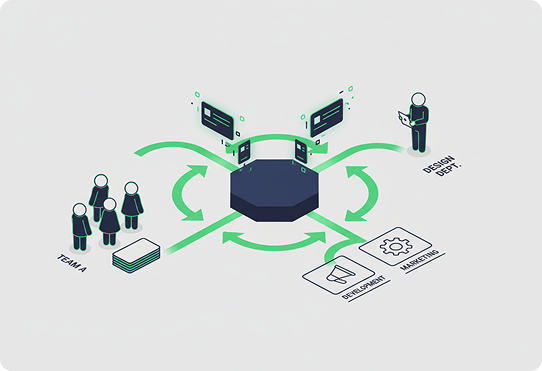
Task Assignment & Routing
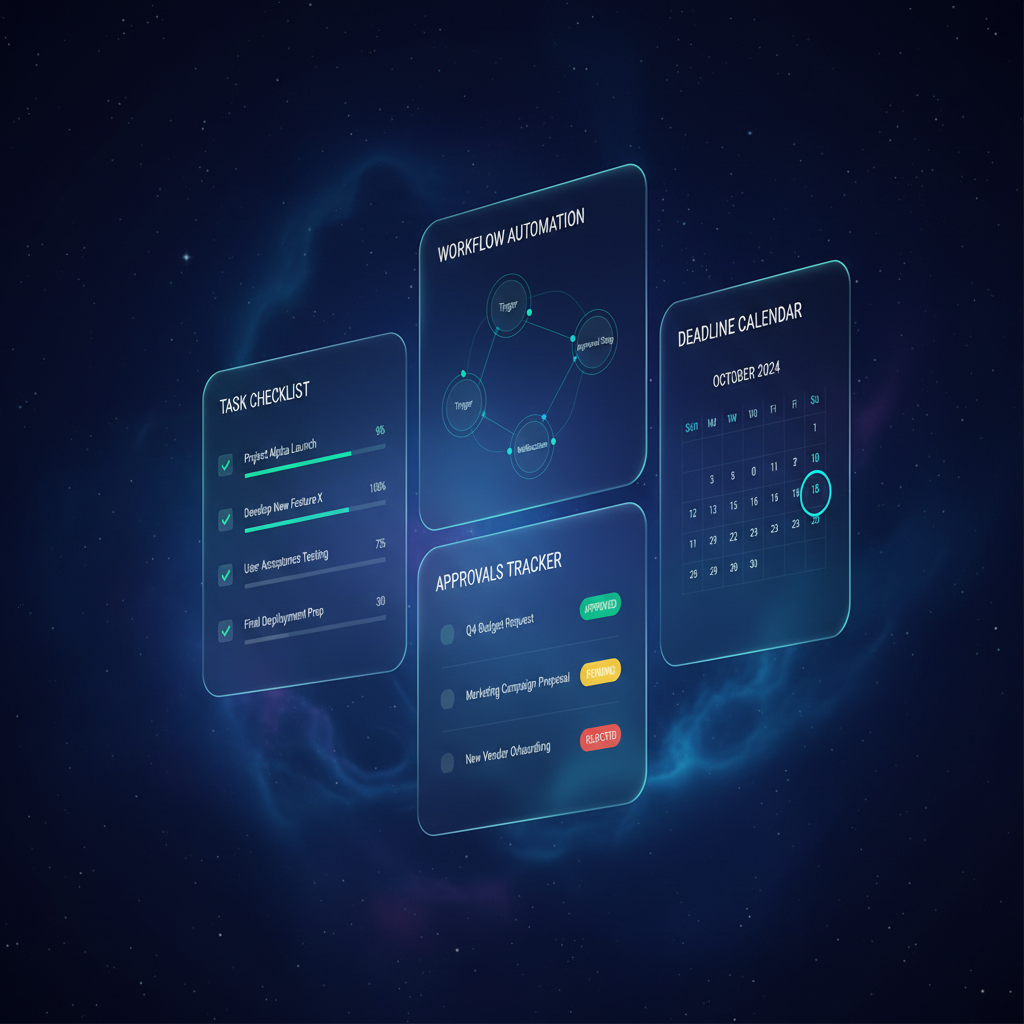
Enables administrators to create, assign, and route tasks to the right staff members based on role, department, and workload. Includes Smart Task Distribution that balances assignments across available staff, Role-Based Routing Rules for automatic task delegation based on type and department, Priority Tagging with urgency levels for time-sensitive items, and Bulk Task Creation for recurring administrative workflows.
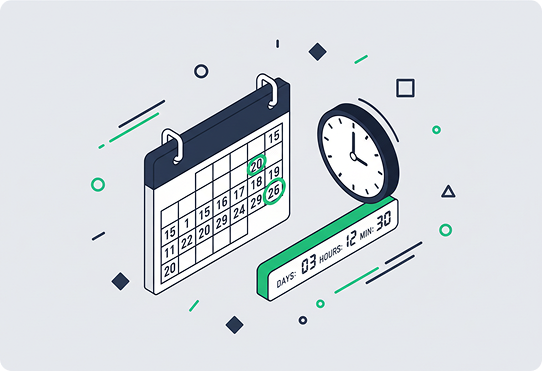
Deadline & Calendar Management
Keeps every deadline visible and every milestone on track with integrated calendar views. Covers the Unified Task Calendar showing all active tasks across the school, Deadline Countdown Alerts with configurable reminder notifications, Academic Calendar Integration that syncs tasks with school terms and events, and Dependency Mapping showing which tasks block others from completion.
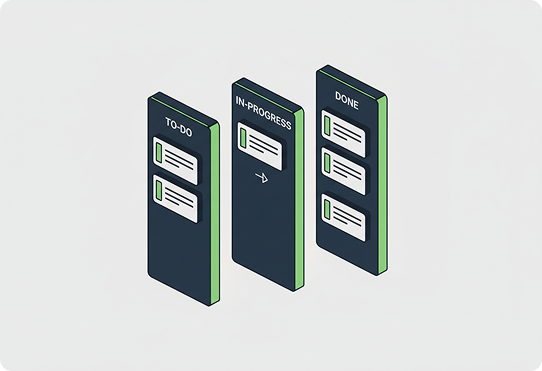
Progress Tracking & Status Updates
Provides real-time visibility into task completion rates and bottlenecks. Includes the Task Progress Dashboard with visual completion indicators by team, Status Update Workflows with structured check-in prompts, Bottleneck Detection that flags overdue or stalled tasks automatically, and Completion Trend Analytics showing productivity patterns over time.
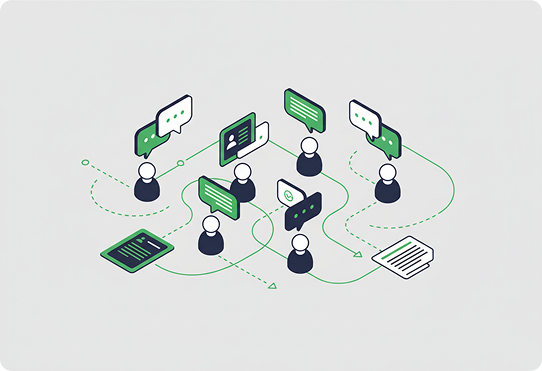
Collaboration & Communication
Keeps teams aligned with threaded conversations and shared context on every task. Covers In-Task Comments for contextual discussion without switching tools, File Attachments and Reference Linking for organizing documents, @Mention Notifications that alert specific colleagues when input is needed, and Team Channels for department-wide coordination and announcements.
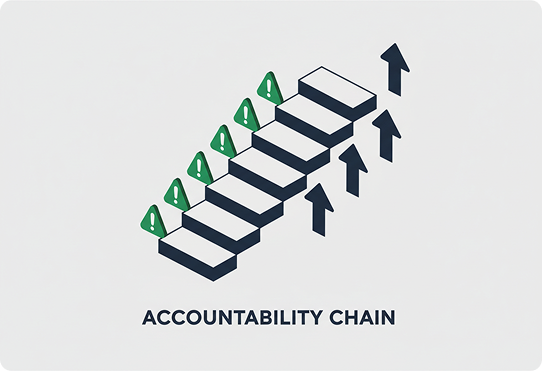
Escalation & Accountability
Ensures overdue or at-risk tasks get the attention they need through automated escalation. Includes Escalation Rules that raise stalled tasks to supervisors after configurable thresholds, Accountability Tracking that shows who did what and when at every task, Performance Scorecards tracking individual and team task completion rates, and SLA Monitoring for tasks with regulatory or compliance deadlines.
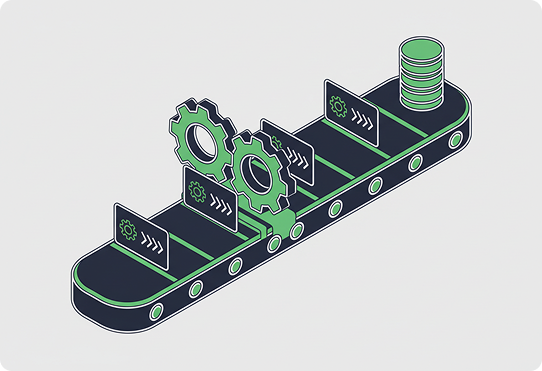
Templates & Automation
Reduces manual effort with reusable workflows and templates. Includes a Template Library for common school processes like enrollment, onboarding, and inspections, Triggered Automation that creates tasks from events like new student registrations, Recurring Task Schedules for weekly, monthly, and term-based routine work, and a Workflow Builder for multi-step approval and review processes.
Not sure which Product is right for you?
Speak with our team of experts to learn how Prixion can help you achieve your goals.

You're probably wondering…
Tasks manages assignments, checklists, deadlines, approvals, dependencies, reminders, and escalations across your staff.
Administrators, department heads, and staff across the school.
Yes. Tasks can be created automatically from events such as new enrollments.
Yes. Tasks connects to your existing systems and calendars through secure integrations.
Overdue tasks escalate automatically to the right person based on your rules.
Yes. You can track compliance and inspection deadlines with SLAs.
In your region, with task visibility set by role.