






Measure What Matters. Improve What Counts.
Prixion Assess provides educators with a comprehensive assessment platform that creates, administers, and analyzes evaluations — delivering actionable insights into student learning outcomes and instructional effectiveness.

Trusted by Universities and Institutions in the GCC and beyond










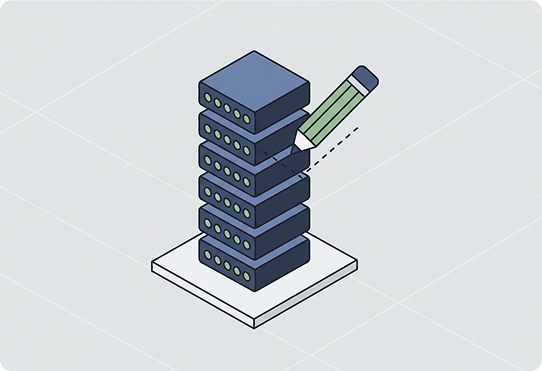
Assessment Builder
Enables teachers to create rich, standards-aligned assessments with flexible question types and rubrics. Includes the Drag-and-Drop Question Builder with multiple choice, short answer, essay, and rubric-based formats, Standards Alignment Tagging that maps questions to curriculum objectives, a Question Bank with a searchable repository of vetted items by subject and level, and Adaptive Assessment Templates that adjust difficulty based on student responses.
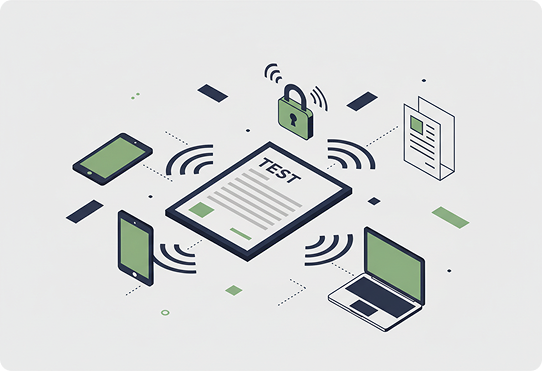
Test Administration & Delivery
Manages the secure distribution and completion of assessments across classrooms and cohorts. Covers Scheduled Test Deployment with timed release and submission windows, Proctoring Controls including lockdown browser settings and access codes, Accommodation Management for extended time and alternative formats for special-needs students, and Multi-Device Delivery supporting desktop, tablet, and paper-based hybrid administration.
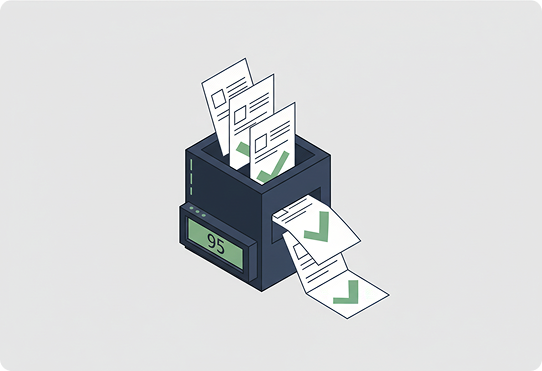
Automated Grading & Feedback
Reduces grading workload with intelligent auto-scoring and structured feedback delivery. Includes an Auto-Grading Engine for objective questions with instant results, Rubric-Based Scoring Assistance for consistent evaluation of subjective responses, Inline Feedback Annotations allowing teachers to comment directly on student work, and Grade Moderation tools for department-wide calibration of marking standards.
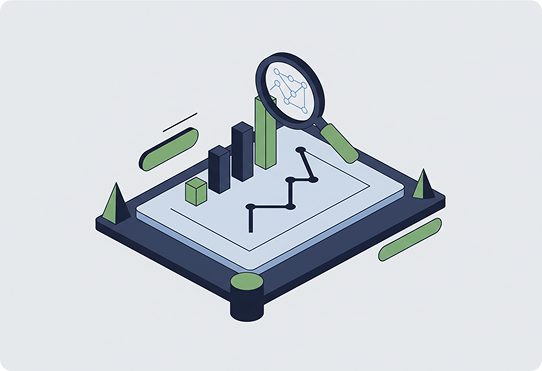
Learning Analytics & Insights
Transforms assessment data into actionable insights about student understanding and gaps. Covers Item Analysis showing question-level difficulty and discrimination statistics, Learning Gap Detection that identifies topics where students struggle most, Cohort Performance Comparison across classes, teachers, and time periods, and Predictive Performance Indicators flagging students at risk of falling behind.
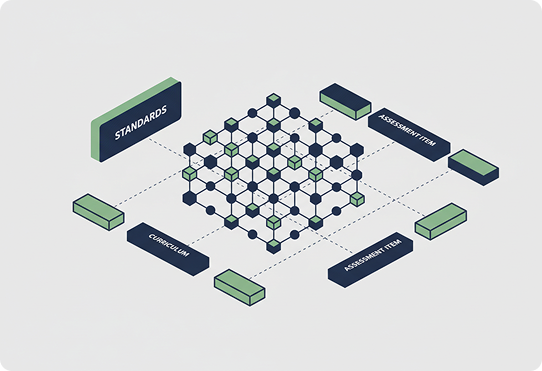
Standards & Curriculum Mapping
Connects assessment outcomes back to curriculum standards for comprehensive coverage tracking. Includes a Standards Coverage Dashboard showing which objectives have been assessed and mastered, Curriculum Pacing Alignment ensuring assessments match the teaching schedule, a Vertical Alignment View tracking skill progression across grade levels, and Gap Analysis Reports highlighting standards with insufficient assessment coverage.
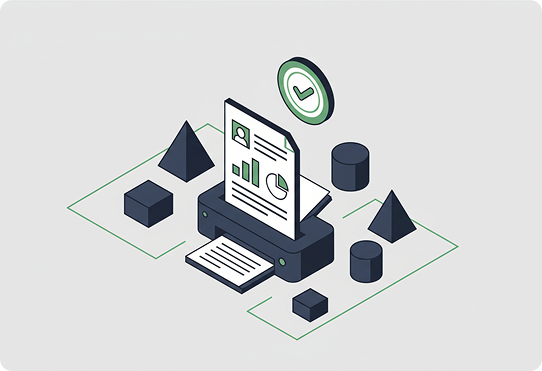
Reporting & Compliance
Generates comprehensive assessment reports for parents, leadership, and regulatory bodies. Includes Student Progress Reports with visual achievement summaries for parent communication, Teacher Effectiveness Analytics measuring instructional impact through student outcomes, Ministry Compliance Reports formatted for regulatory submissions, and Longitudinal Achievement Tracking showing student growth trajectories over academic terms and years.
Not sure which Product is right for you?
Speak with our team of experts to learn how Prixion can help you achieve your goals.

You're probably wondering…
Assess supports quizzes, diagnostics, career and readiness assessments, surveys, and scoring with branching logic.
The teacher stays in control and finalizes every grade. The system supports scoring, but people decide.
Yes. Assessments can be mapped to your national curriculum and standards.
Yes, through secure, permissioned integrations.
Assessment and student data is secured and stored in your region.
Yes. Assess supports accommodations for students with special needs.
Yes. Assess can generate ministry-ready compliance and progress reports.